Free vs paid VPNs: privacy, security, and the hidden tradeoffs

TL;DR
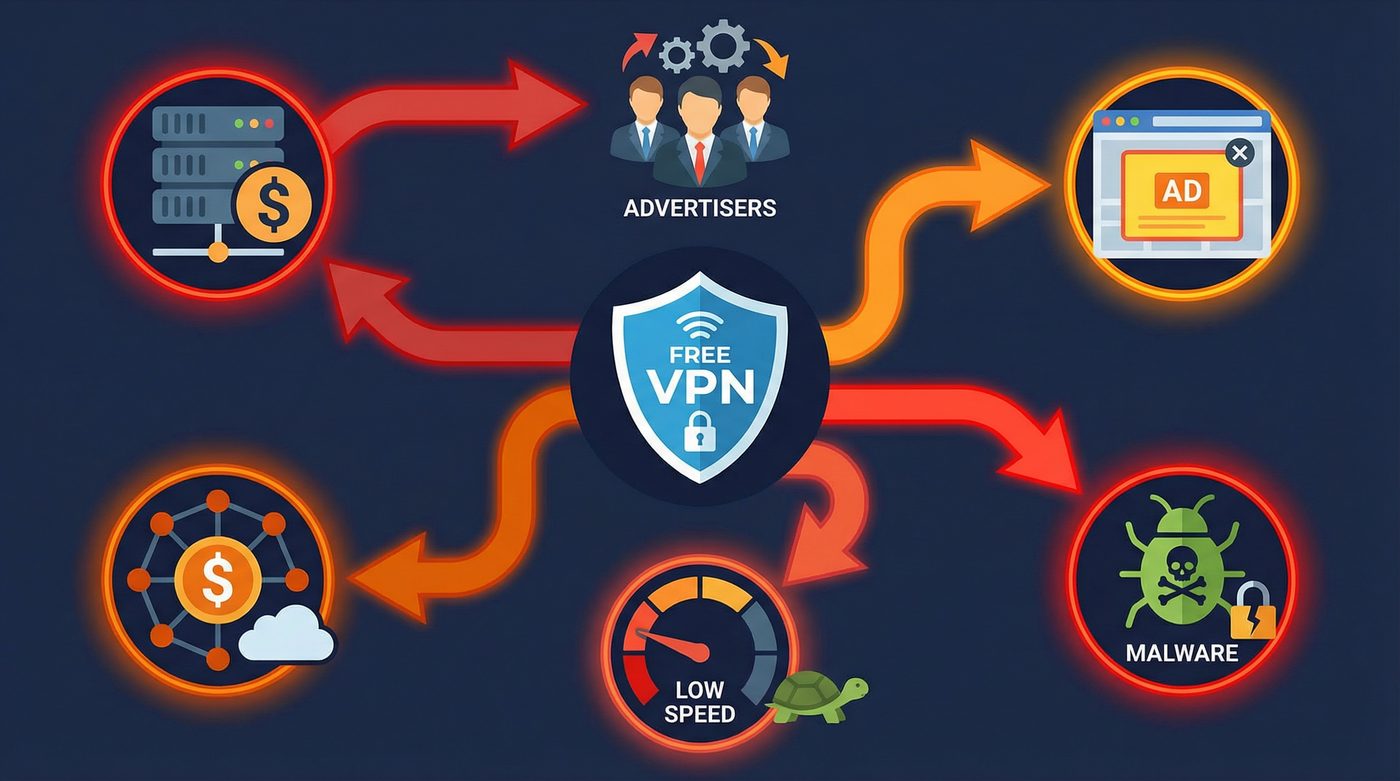
- Free VPNs often make money by logging and selling your browsing data, injecting ads, or reselling your bandwidth
- Paid VPNs fund server infrastructure and strong no-logs systems through subscription fees
- Legitimate free VPNs exist, but they usually limit speeds, data, or server locations to encourage paid upgrades
- PrivateByRight uses a transparent subscription model to fund a no-logs by design infrastructure and privacy initiatives
What a VPN Does (and Doesn't)
✅ A VPN does: - Encrypts your connection between your device and the VPN server - Helps reduce exposure on public networks - Hides your IP from many websites and services - Routes traffic through a server you choose (changes apparent location)
❌ A VPN doesn't: - Make you anonymous - Stop all tracking (cookies and fingerprinting still exist) - Guarantee that a free provider isn't logging and selling your data - Protect you from phishing, malware, or human error
You see advertisements for free VPNs everywhere. They promise the same privacy, security, and access as paid services, but without the monthly fee. It sounds like an easy choice.
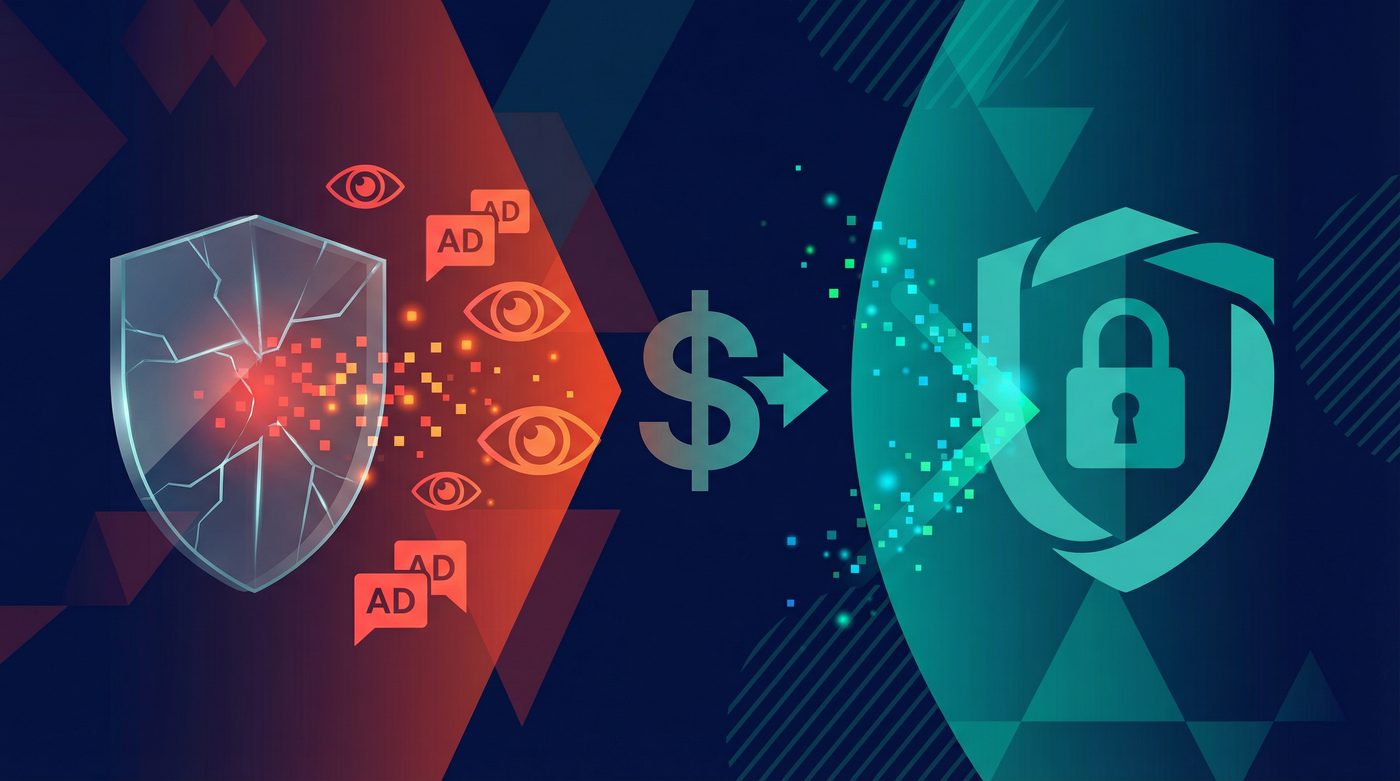
But running a global network of encrypted servers is expensive. If you aren't paying for the service with your money, you are likely paying for it with your data, your bandwidth, or your security. The difference between free and paid VPNs isn't just about speed or server locations—it's fundamentally about how the company makes money and what that means for your privacy.
This guide breaks down the hidden costs of free VPNs, what paid subscriptions actually fund, and how to evaluate the tradeoffs before trusting a provider with your internet traffic.
The Core Problem: How Do Free VPNs Make Money?
Running a VPN requires physical servers, bandwidth, software development, and customer support. These costs are substantial. When a service is free, the provider has to monetize the user base in other ways.
Data Logging and Selling
The most common business model for free VPNs is data monetization. Because all your internet traffic flows through their servers, the provider can see which websites you visit, when you visit them, and what device you use.
Many free VPNs collect this browsing history, anonymize it (often poorly), and sell it to advertisers, data brokers, or analytics firms. Instead of protecting your privacy from your ISP, you are simply handing your data to a different company that actively profits from it.
Ad Injection and Tracking
Some free VPNs inject their own advertisements into the websites you visit. This not only clutters your browsing experience but also introduces new tracking mechanisms. To serve targeted ads, the VPN must monitor your behavior, defeating the primary purpose of using a privacy tool.
Reselling User Bandwidth
In the most severe cases, free VPNs have been caught turning their users' devices into exit nodes for other users. This means your internet connection and IP address are used to route someone else's traffic. If that person engages in illegal activity, it appears to come from your network.
Bundling Malware
Research has repeatedly shown that a significant percentage of free VPN apps, particularly on mobile app stores, contain malware or excessive tracking libraries. These apps might request unnecessary permissions—like access to your contacts or location—to harvest data that has nothing to do with providing a VPN connection.
Real Examples of Free VPN Failures
The risks of free VPNs aren't theoretical. History is full of examples where free providers compromised user security for profit.
Hola VPN and the Botnet
Hola VPN operated as a peer-to-peer network rather than using dedicated servers. Users who installed the free extension agreed to let Hola use their idle bandwidth. In 2015, it was revealed that Hola was selling this user bandwidth through a sister company called Luminati. Buyers could route their traffic through Hola users' connections, effectively turning the free user base into a massive botnet used for DDoS attacks and scraping.
Facebook's Onavo Protect
Facebook acquired the free VPN app Onavo Protect and marketed it as a tool to "keep you and your data safe." In reality, Facebook used Onavo to monitor which apps users were opening, how long they used them, and how much data they consumed. This intelligence helped Facebook identify competitors (like WhatsApp) to acquire or clone. Apple eventually forced Facebook to remove the app for violating data collection rules.
Hidden Malware and Trackers
Multiple independent studies of free Android VPN apps have found alarming results. A 2017 study by CSIRO researchers analyzed 283 Android VPN apps and found that 38% contained malware presence, 75% used third-party tracking libraries, and 18% didn't even encrypt the traffic they were supposed to protect.
What Paid VPNs Actually Fund
When you pay a subscription fee for a VPN, you are funding the infrastructure and operations required to run a secure service. This changes the provider's incentives: their product is the privacy service, not your data.
Server Infrastructure and Bandwidth
Paid VPNs invest heavily in their server networks. This means buying or renting high-quality servers in diverse locations, ensuring enough bandwidth to prevent congestion, and maintaining the hardware. This investment directly translates to faster speeds, more reliable connections, and better performance for streaming or large downloads.
Strong No-Logs Systems
Designing a system that inherently cannot log data requires specialized engineering. Paid providers invest in technologies like RAM-only servers (which wipe all data upon reboot) and custom infrastructure to ensure that even if a server is seized, no user data can be recovered.
Customer Support and R&D
Paid services employ dedicated support teams to help users troubleshoot issues. They also fund research and development to implement modern protocols like WireGuard, develop features like split tunneling, and patch security vulnerabilities quickly.
When a Free VPN Might Be Acceptable
Not all free VPNs are malicious. There is one specific scenario where a free VPN can be safe: when it is a limited free tier offered by a reputable paid provider.
Companies like ProtonVPN offer a free version of their service. Their business model is transparent: the paid users subsidize the free users. The free tier serves as a marketing tool to introduce users to the product, with the hope that they will eventually upgrade.
However, even these legitimate free tiers come with significant limitations: - Speed throttling: Free servers are often crowded and slower. - Data caps: You may be limited to a few gigabytes of data per month. - Limited locations: You might only have access to servers in three or four countries. - No advanced features: Features like split tunneling or specialized streaming servers are usually reserved for paying customers.
If you only need a VPN occasionally—for example, to check your bank account on airport Wi-Fi once a month—a legitimate free tier from a trusted provider might be sufficient. But for daily use, the limitations quickly become frustrating.
Red Flags to Avoid in Any VPN
Whether you are looking at a free service or a paid one, certain red flags should immediately disqualify a provider:
- Vague logging policies: If the privacy policy uses phrases like "we may collect some data to improve our service" without specifying exactly what that data is, assume they are logging your activity.
- Jurisdiction in surveillance countries: Be wary of VPNs based in countries with mandatory data retention laws or strong surveillance sharing agreements, unless their no-logs infrastructure is ironclad.
- No kill switch: A kill switch blocks your internet if the VPN disconnects. Without it, your real IP address will leak the moment the connection drops.
- Absolute claims: Marketing that promises "100% anonymity" or "complete untraceability" is dishonest. A VPN is a privacy tool, not a magic cloak.
The PrivateByRight Approach
We believe that privacy should not rely on hidden tradeoffs. Our approach is built on transparency and a straightforward business model.
Subscription Model
PrivateByRight is funded entirely by user subscriptions. We do not sell data, we do not inject ads, and we do not have hidden revenue streams. You pay for a service, and we provide that service. This aligns our incentives directly with your privacy.
No-Logs by Design
We don't log what you do online. No browsing history, no connection logs, no IP addresses stored. Our infrastructure is designed from the ground up to minimize data collection, and our no-logs policy is built to be audited by independent third parties.
What Your Subscription Funds
Your subscription pays for high-performance servers and the development of modern protocols like WireGuard. Furthermore, part of every subscription supports privacy, press freedom, and human-rights initiatives, which we detail in our Transparency Hub.
Learn more: - Our privacy principles: data minimization, default protection, and clarity - How donations work at PrivateByRight: the model, rules, and accountability
FAQs
Are all free VPNs dangerous?
No, but the vast majority are. The only safe free VPNs are the limited free tiers offered by reputable paid providers, where the business model is transparent (paid users subsidize free users). Standalone free VPNs almost always monetize your data or compromise your security.
Why do free VPNs need my data?
Running a VPN network is expensive. If you aren't paying a subscription fee, the provider must cover their server and bandwidth costs another way. Selling anonymized (or sometimes un-anonymized) browsing data to advertisers and data brokers is the most common method.
Can a free VPN protect me on public Wi-Fi?
A legitimate free tier from a trusted provider will encrypt your connection and protect you on public Wi-Fi. However, a malicious free VPN might encrypt your connection from the local network but then log and sell your data themselves, simply shifting the risk from the Wi-Fi provider to the VPN provider.
Do paid VPNs ever sell user data?
Reputable paid VPNs with clear no-logs policies do not sell user data—they don't have the data to sell. However, there have been instances of low-quality paid VPNs logging data.
Is it worth paying for a VPN if I only use it occasionally?
If your usage is very light—like checking email at a coffee shop once a month—a legitimate free tier from a trusted provider (like ProtonVPN) is likely sufficient. If you want to protect your daily browsing, access geo-restricted content, or download large files, a paid VPN is necessary.
Sources & Further Reading
- CSIRO. (2017). "An Analysis of the Privacy and Security Risks of Android VPN Permission-enabled Apps."
- Center for Democracy & Technology. (2021). "Signals of Trust: Evaluating Corporate Commitments to Privacy."
- Electronic Frontier Foundation. (2020). "Choosing the VPN That's Right for You."
- Federal Trade Commission. (2021). "Protecting Consumer Privacy and Security."
- National Institute of Standards and Technology. (2022). "Guide to Enterprise Telework, Remote Access, and Bring Your Own Device (BYOD) Security."
Related Guides
- Learn more: What is a VPN? How it works and what it does (in plain English)
- Learn more: Do VPNs make you anonymous? What a VPN can and can't hide
- Learn more: No-logs explained: what it means, what to look for, and how we design for it
- Learn more: Tracking 101: cookies, pixels, device IDs — and where a VPN fits
- Learn more: Transparency Hub: what we publish and how to read our reports
- Learn more: Kill switch: what it is, why it matters, and how to test it